For people
AI apps for your day to day
Handle everyday tasks from your phone: ask, try clothes on, meet people.
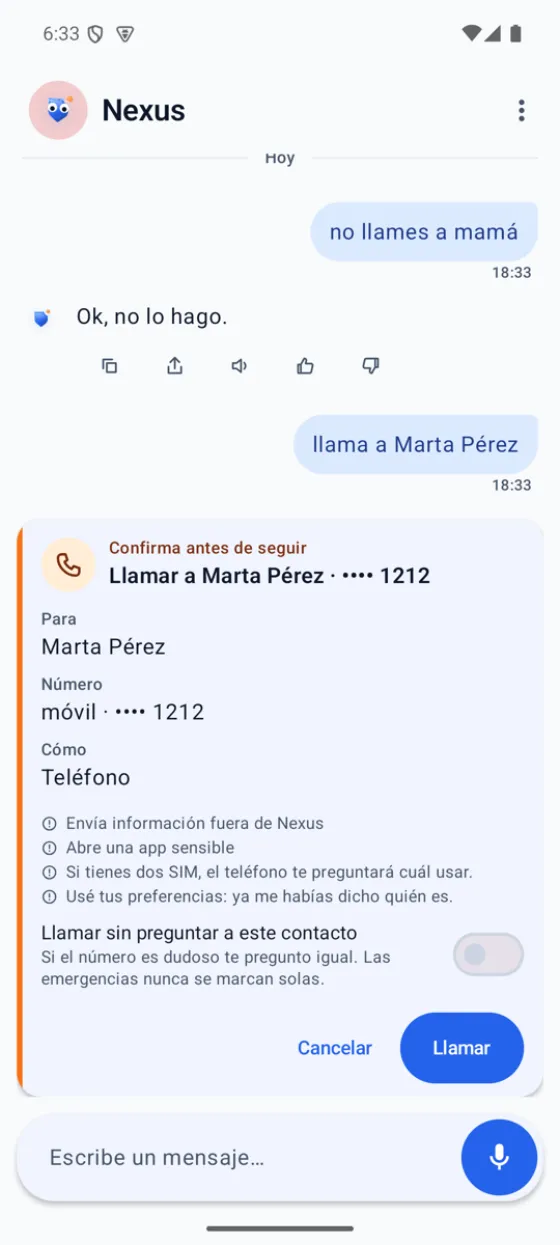
- Bimbask NexusYour personal assistant
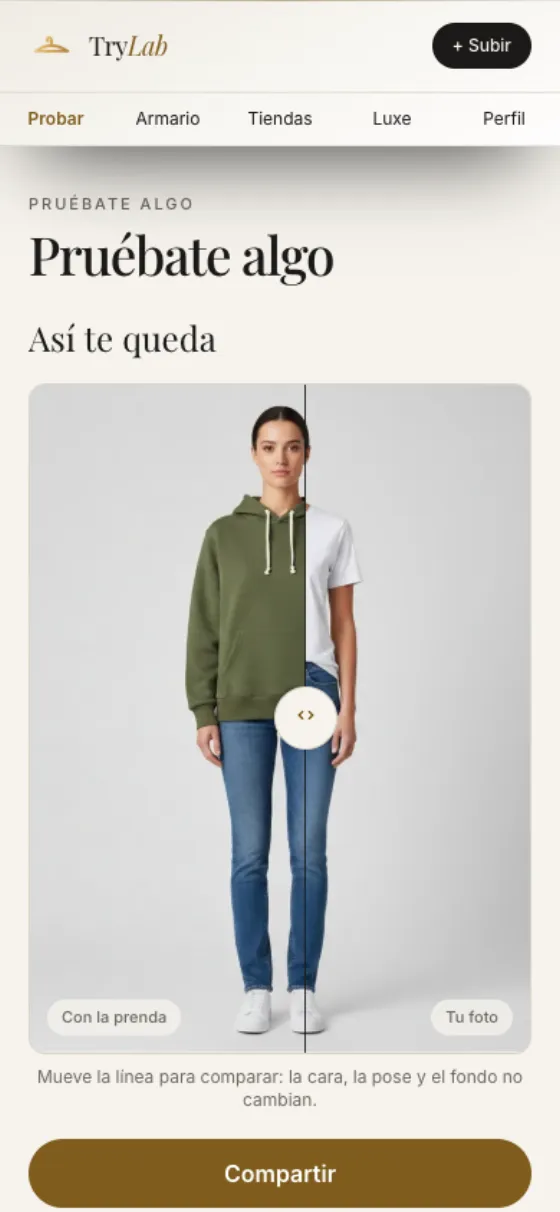
- TryLabTry clothes on with AI
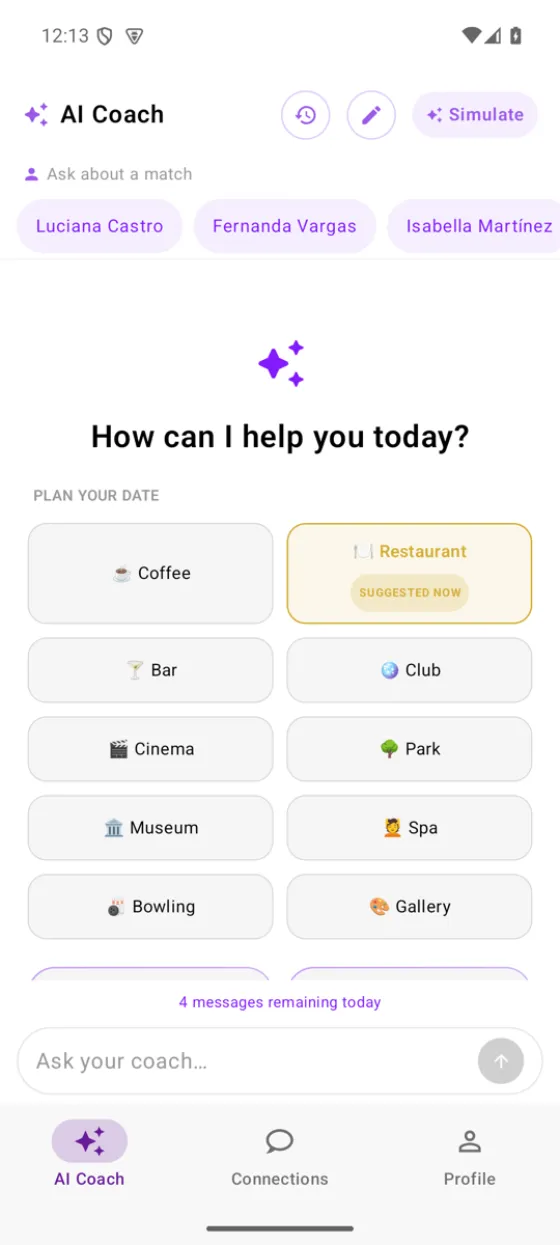
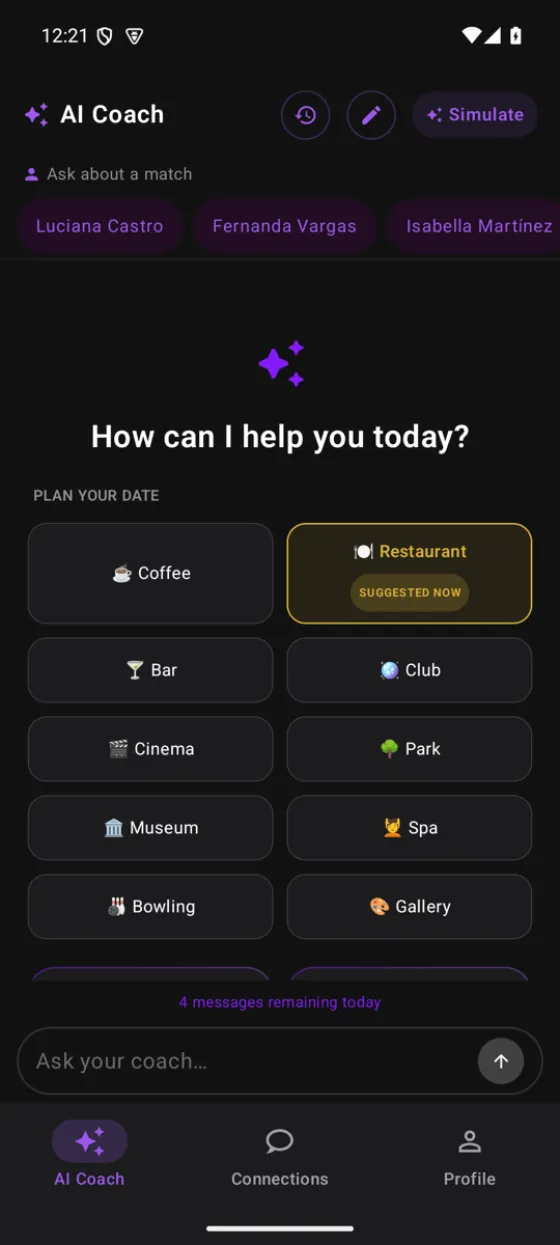
- Black Sugar 21Dating with an AI coach
Bimbask builds AI apps for your day to day and AI for your business, like Detect Realtime.
Pick where to start: apps for your day to day or AI for your business.
For people
Handle everyday tasks from your phone: ask, try clothes on, meet people.
For companies
Count, watch and answer with AI, without building a data team.
Real captures of each app. Pick one and see what it solves.
 Early access
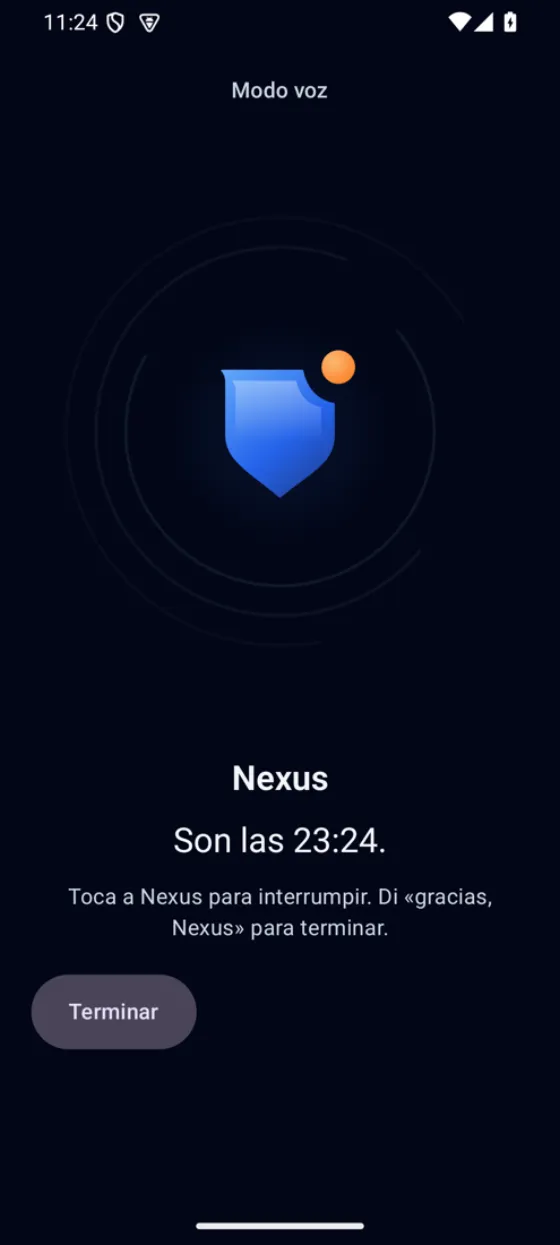
Your personal assistant, on your phone.
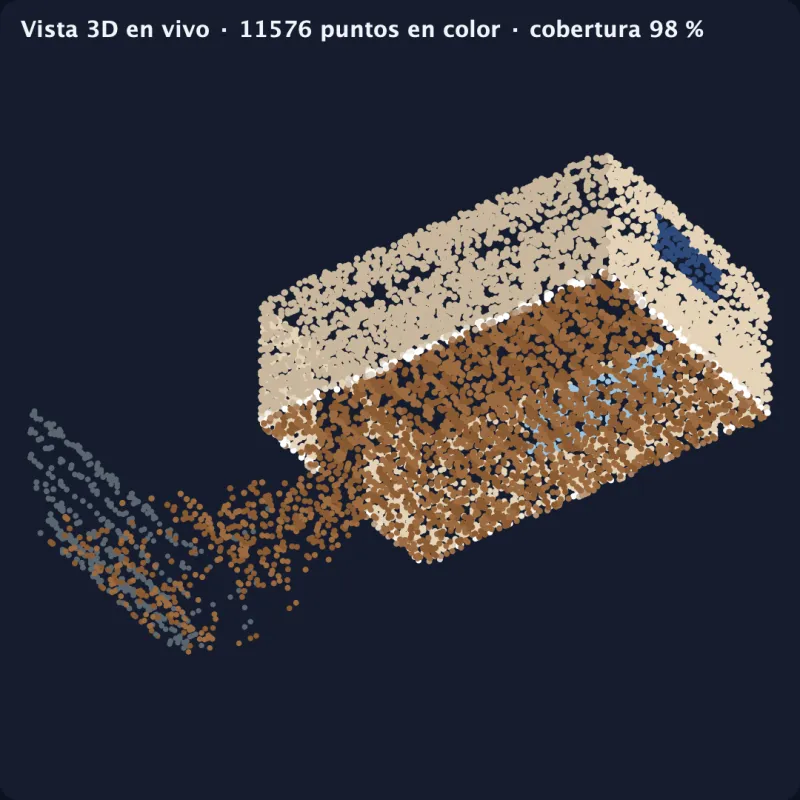
 In use with clients
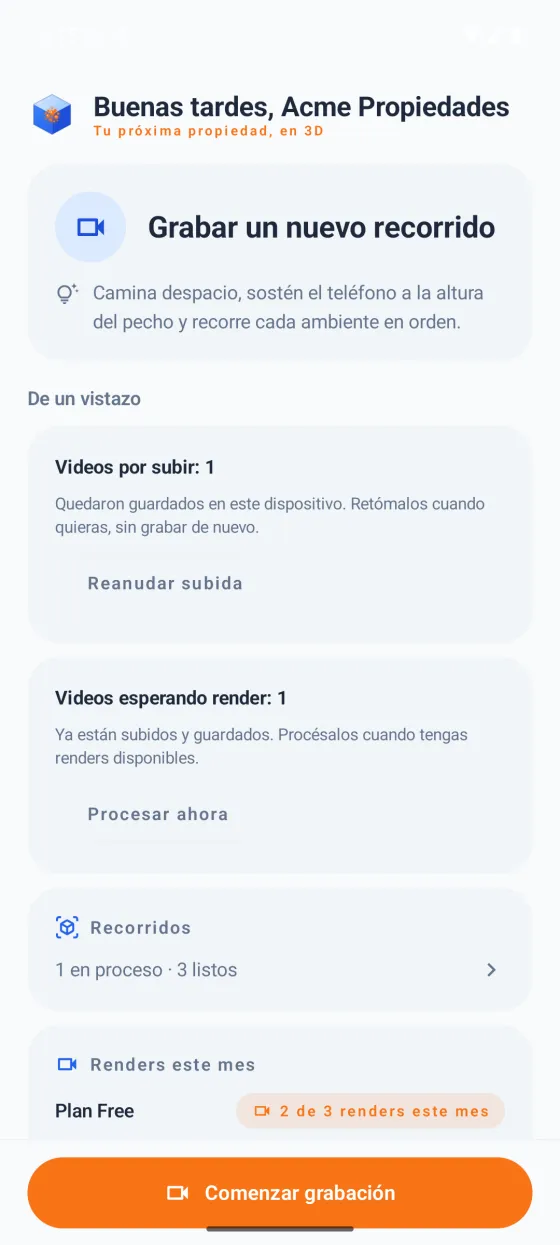
Record the property. Get a 3D tour.
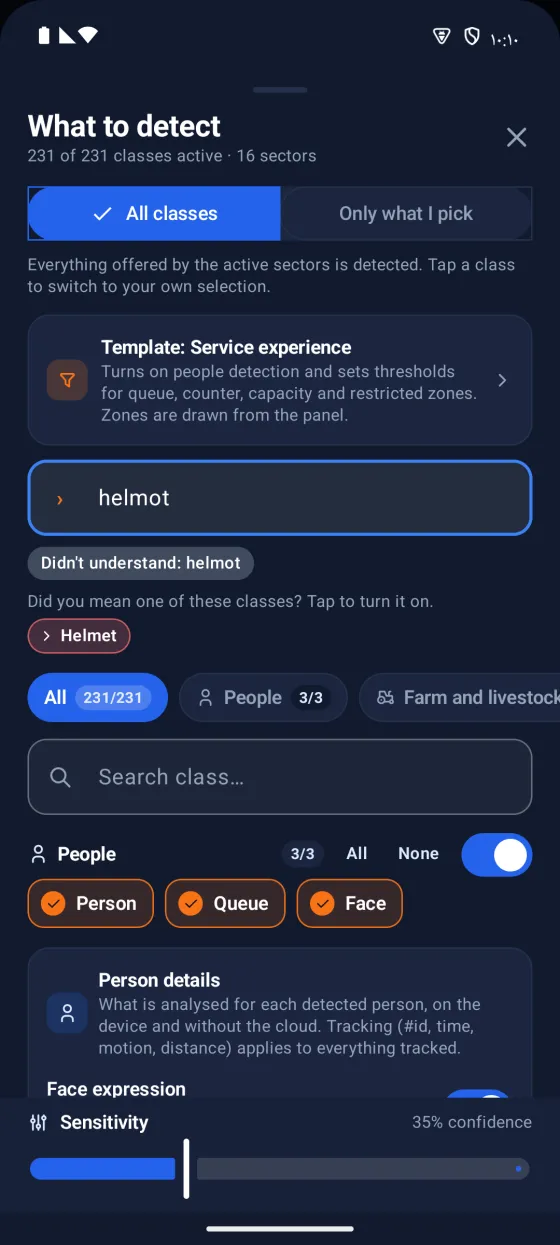
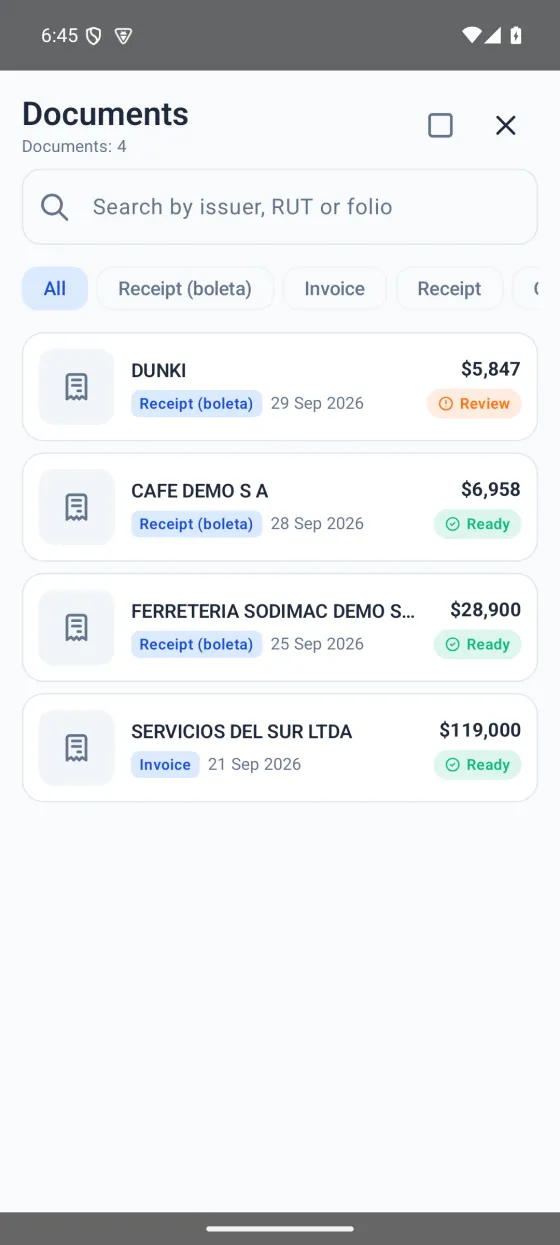
 Beta by invitation
Your phone sees, counts and alerts. In real time.
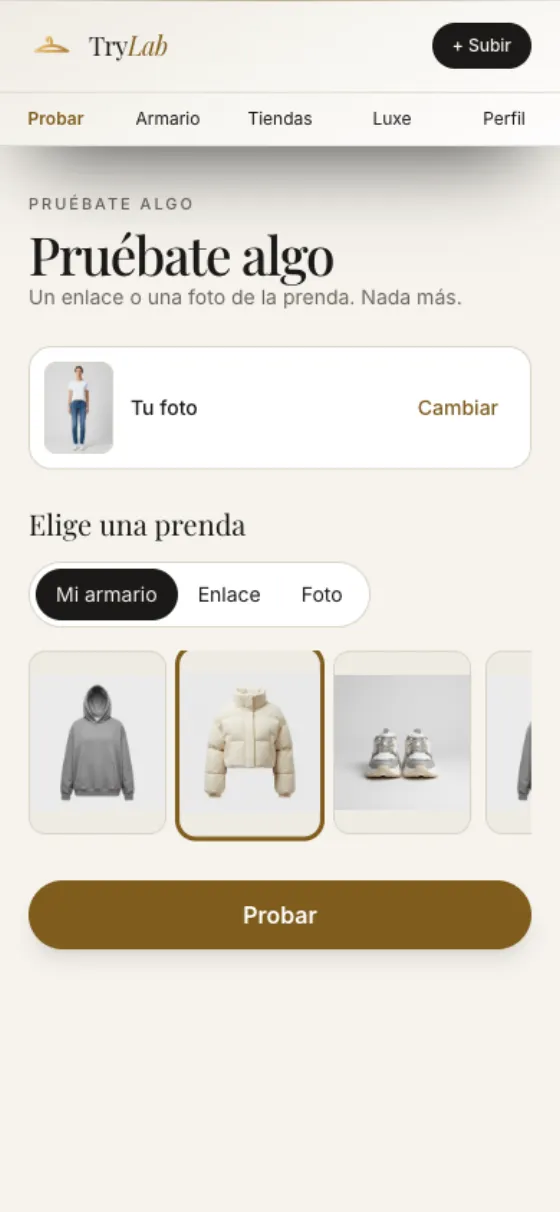
 Live on the web
Your digital wardrobe with an AI fitting room.
 Beta on TestFlight
Dating without swiping, with an AI coach.
AvailableAI agents that serve and act for your company.
This demo tour was generated with bimbask 3D Render: walk through, enter every room, look at the ceiling and out the windows. You only record.
Here are the apps and how to get in today. Where there is no public link yet we say so: we do not show buttons that do not work.
Bimbask NexusEarly accessComing soon
bimbask 3D RenderIn use with clientsComing soon
Detect RealtimeBeta by invitationComing soon
TryLabLive on the webComing soon
Black Sugar 21Beta on TestFlightWant into a beta that has no link yet? Write to us and we will let you know
Point your phone and Detect Realtime recognises what is happening: people, vehicles, animals, fruit, goods, safety gear and more. It counts without repeating, watches zones and alerts you instantly.
Beta by invitation
Illustrative simulation
What is already public, no embellishment.

Health & wellness
Work-order management for health and wellness services: a public site for customers and an internal platform for the team.

Forestry & industrial
Forestry management platform with a public site, an admin panel and native mobile apps.

Transport & logistics
Website to request and manage vehicle bookings, with an administration system and implementation consulting.
Four steps, and you always know which one we are on.
We understand what you want to count, watch or solve, and who it is for.
A short pilot with your real case, so you see results before you decide.
We get it running on your phones and your dashboard, with your team.
We review how it is used and keep tuning it with you.
When possible, the AI runs on your phone: your video and data do not leave without your permission.
Companies from different industries have already built with us.
Apps in 13 languages, ready to use in different countries.
Companies that have built with us



What people ask us most, in plain words.
We build AI apps for your day to day (like a personal assistant or a virtual fitting room), AI for business (real-time camera detection, 3D tours, support agents).
Some already have a public beta and others are about to open. Under «Try the beta» you see which have a link; if not yet, write to us and we will let you know.
Where possible, the AI runs on your phone: Detect Realtime does not upload video and Nexus keeps your data encrypted on the device. Each app page and the privacy policy explain what each app uses.
Yes. Detect Realtime (real-time detection), bimbask 3D Render and the Bimbask AI agents are for businesses. Tell us your case and we will reply by email with the next steps.
It depends on the product and how much you use it. Tell us your case and we will send a proposal with the price.
Write to us and we will reply by email.
Or write directly to hola@bimbask.com